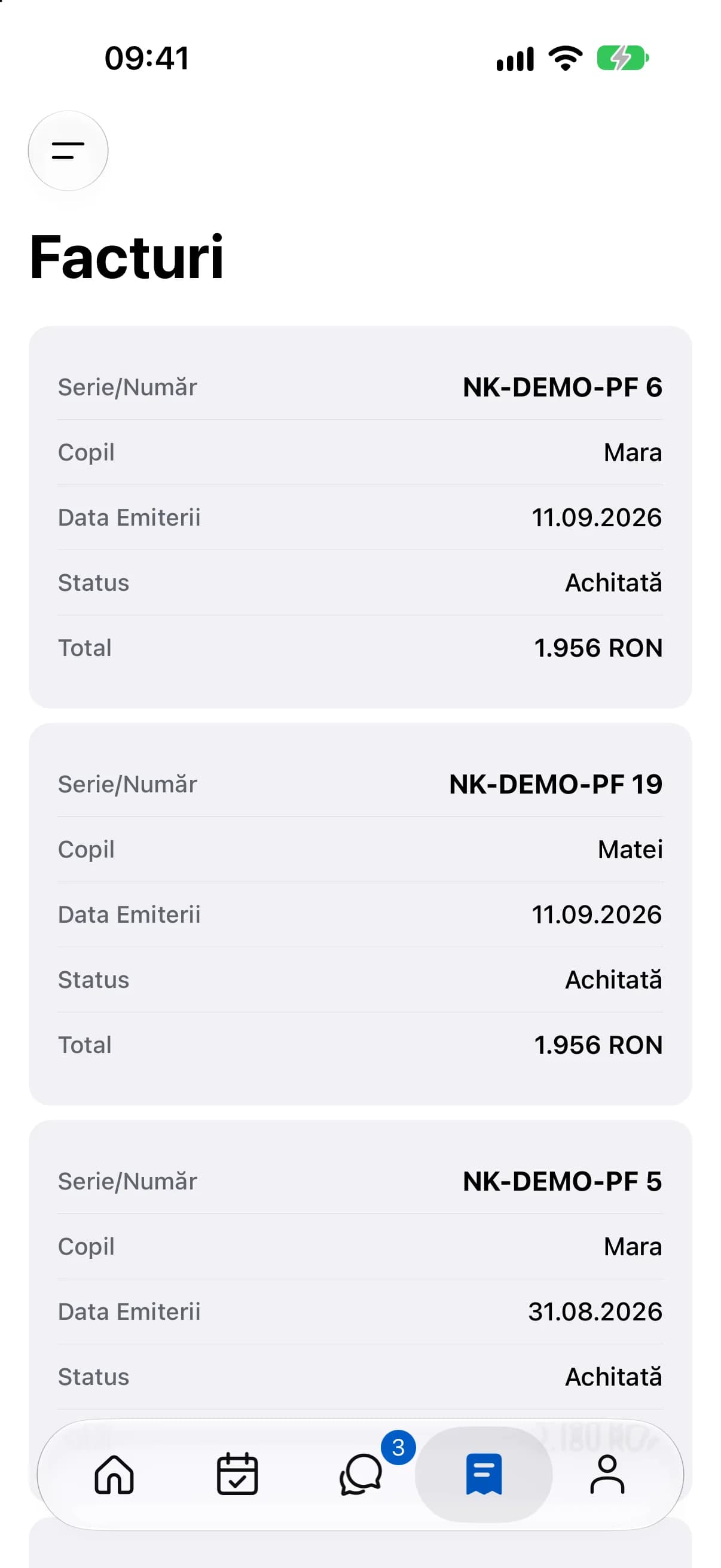
Monthly draft invoices, receipts, payment reminders and documents to sign in a shared workspace.
Kinderbase · Web
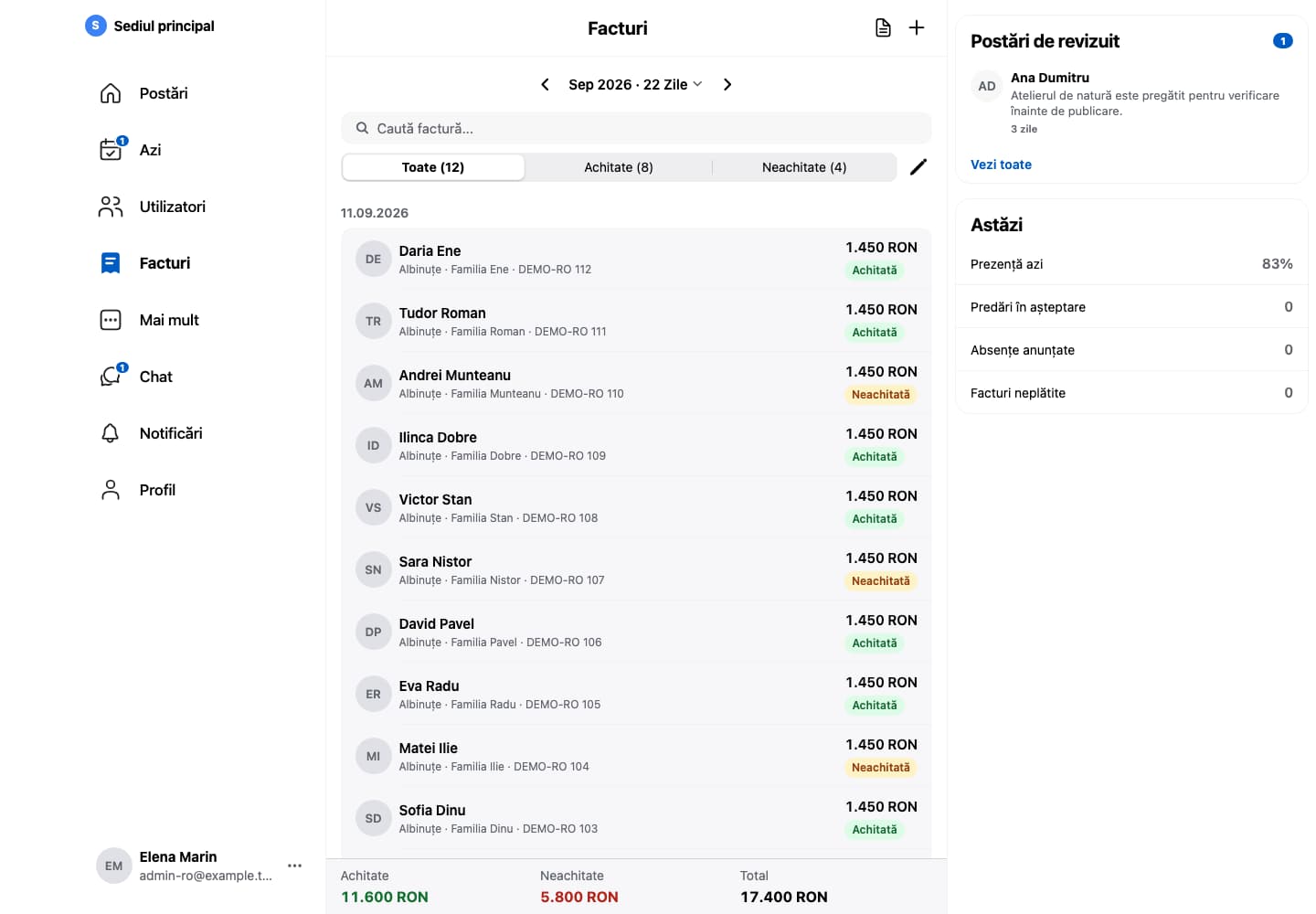
The month’s invoices, with the status of each payment and the total collected.Fictional example data. App shown in Romanian.
BillingInvoices and receipts, easier to follow.
When invoices and payment confirmations live in different places, checking a balance takes extra work. Kinderbase brings them into the same administrative workflow.
01
Review the month’s drafts
Every month, Kinderbase prepares a draft for each child from fees, optional activities and attendance. You review it and issue the invoice.
02
Follow receipts
See unpaid invoices and send payment reminders with each family’s amount and due date.
03
Cancel and refund
A wrong invoice is cancelled with a credit note and issued again. If it was already paid, you record the refund to the family.
A shared record of invoiced amounts, receipts and each family’s documents.
Questions and answersFrequently asked questions
Yes, if the institution connects its company to Stripe in settings. The money goes straight to the company’s Stripe account and the payment appears on the invoice by itself. It’s optional: without Stripe, families pay using the methods agreed with the institution, and staff record the payment.
Tax invoices are issued through SmartBill or Oblio, connected to the invoicing company. Without such a system, Kinderbase issues pro forma invoices.
Yes. You create templates with fields that fill in automatically for each family and send them individually or as a bundle, including automatically on enrolment. Parents sign in the app with a finger on the screen. At your premises, you can use assisted signing on an institution device or upload a document signed on paper.
No. App records support institution administration. Review documents and tax obligations with your accountant.