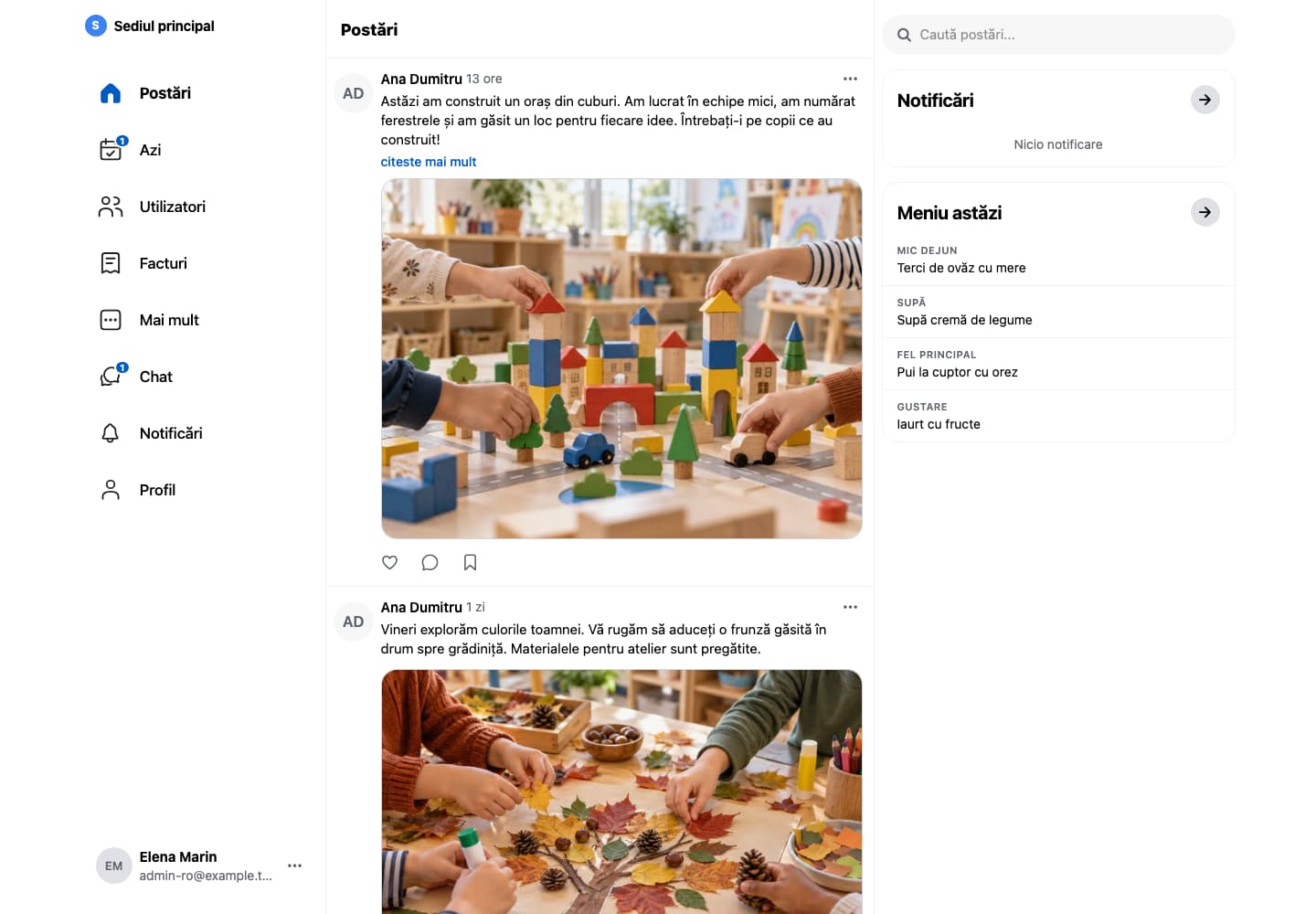
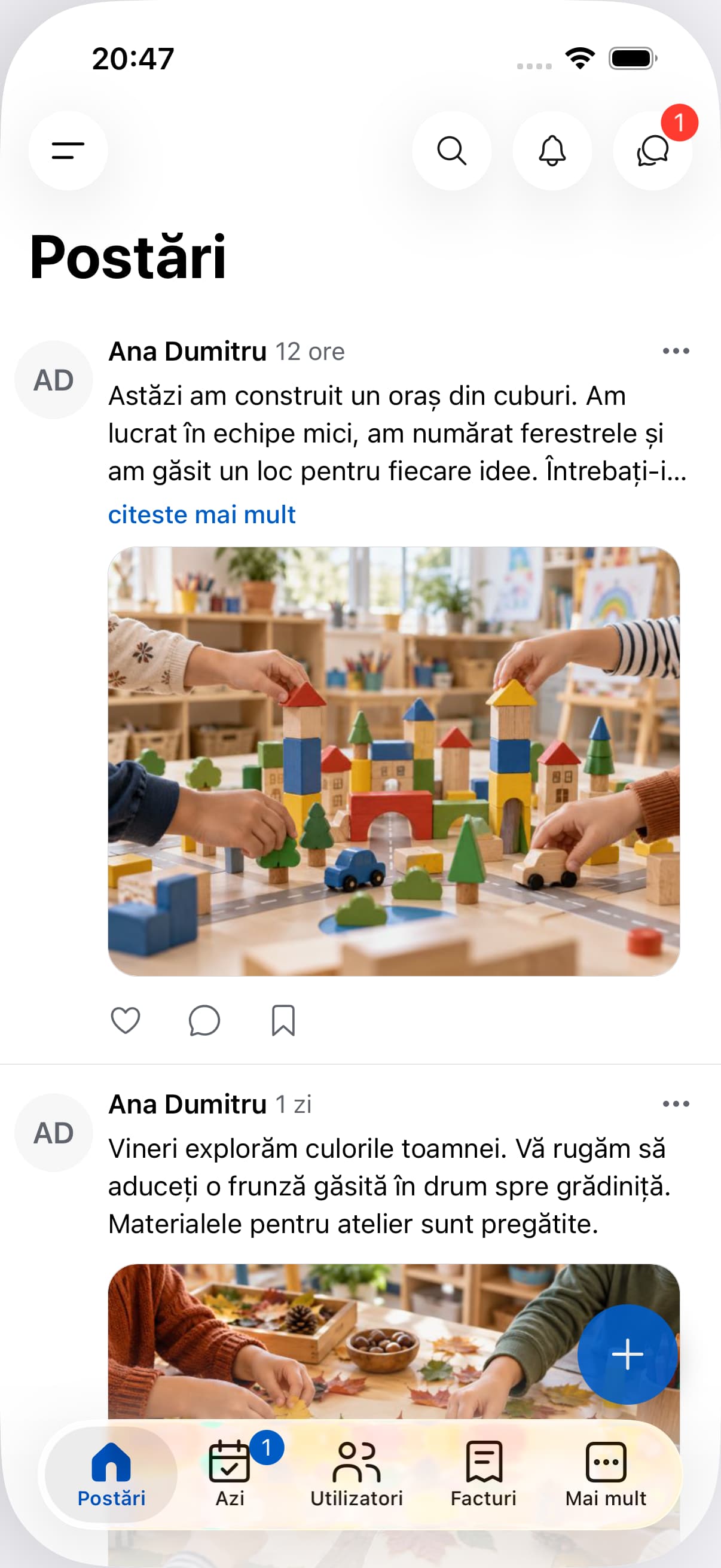
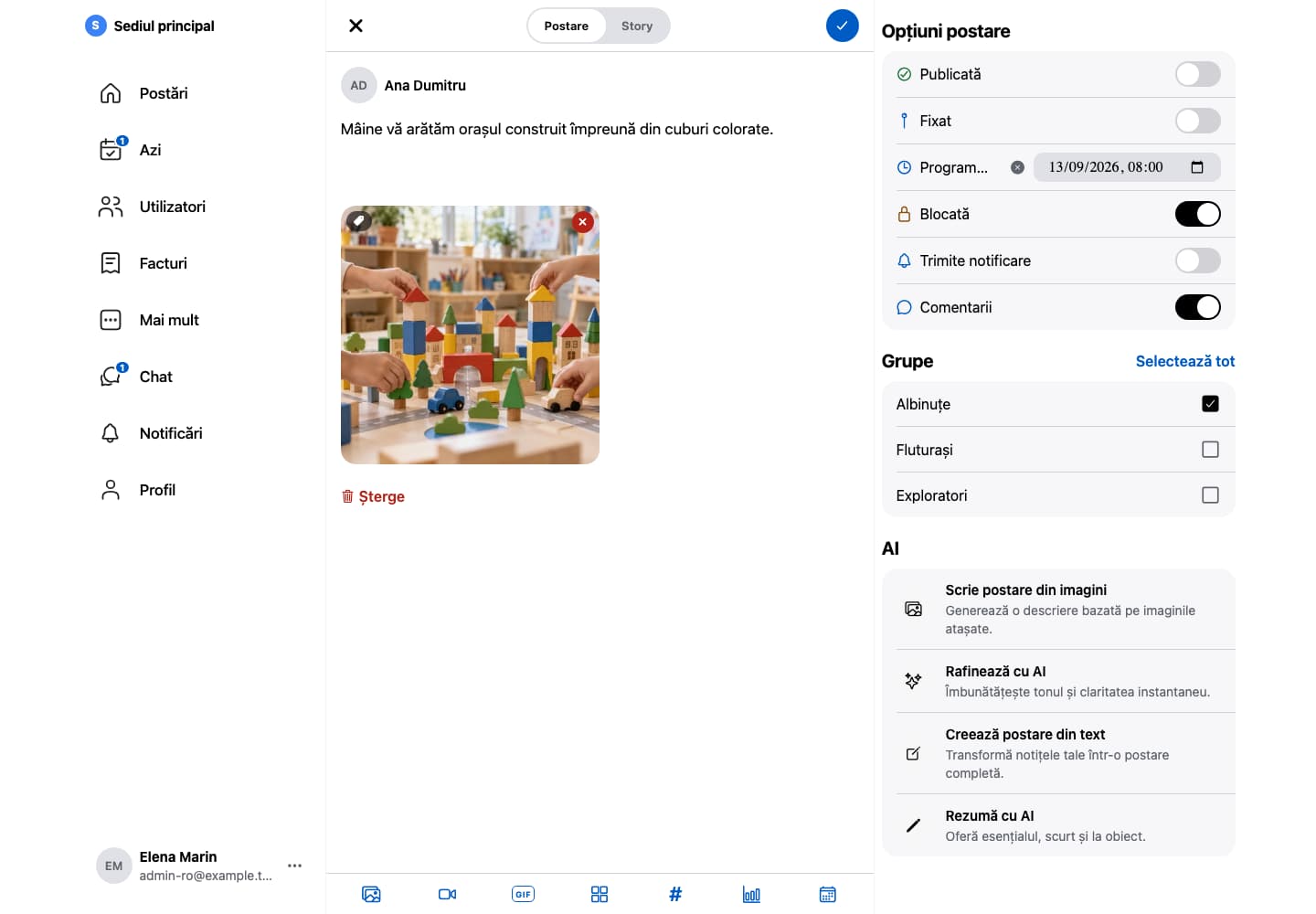
Posts, photos, announcements and conversations connected to your institution’s groups and people.
Kinderbase · Web
Group updates and communication with families.Fictional example data. App shown in Romanian.
CommunicationImportant updates have a home.
When information is split between messaging groups, paper notes and conversations at the door, it is hard to keep track. Kinderbase gives everyday communication a shared context.
01
Publish to the right group
Add an announcement or activity and choose its audience.
02
Keep the context
Photos and messages stay with the activity they describe. Only share content your institution has permission to use.
03
Continue the conversation
Use chat for discussions that need an individual response.
A shared place for everyday communication, with access based on roles and groups.
Publishing with controlFrom idea to published post.
01
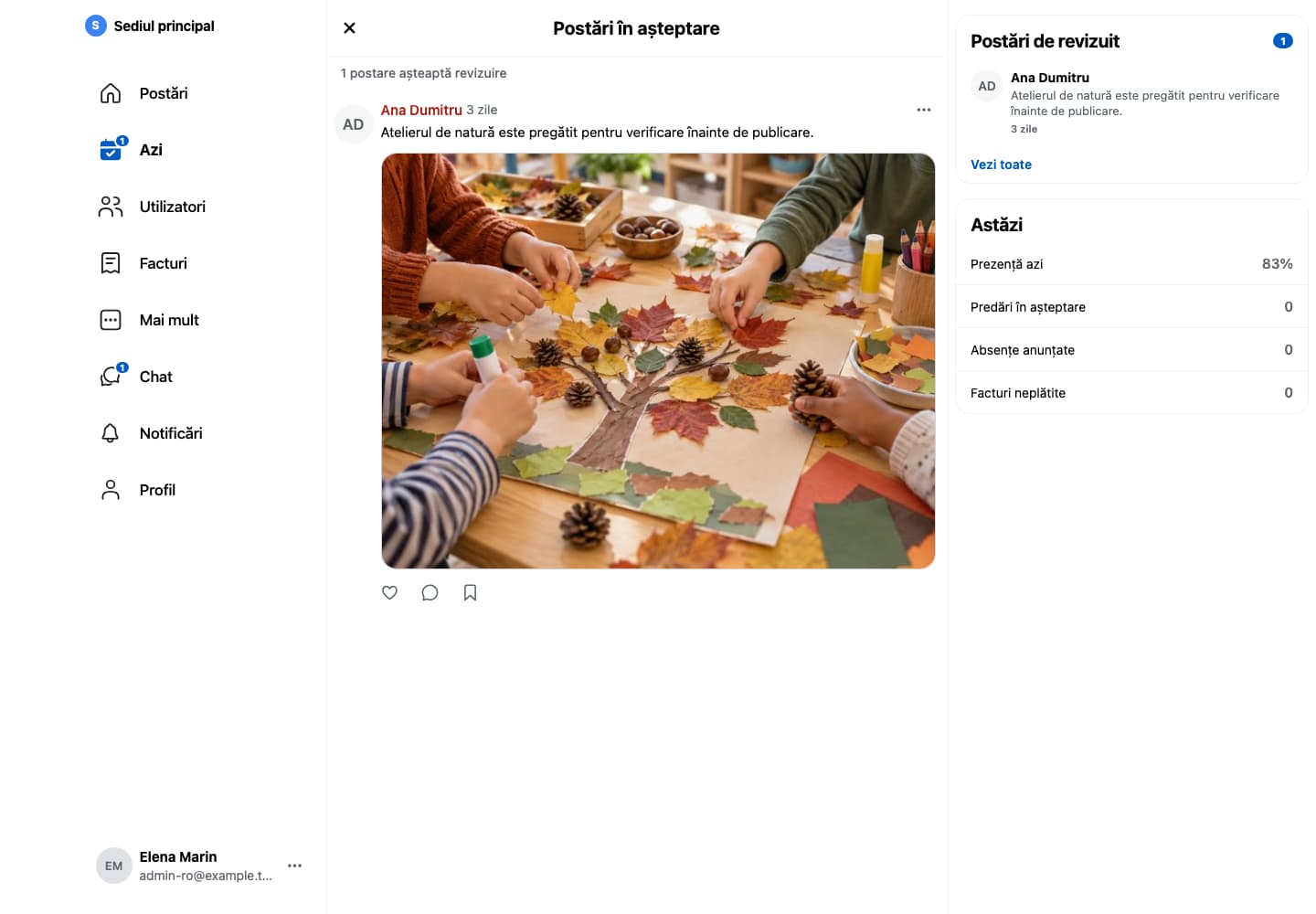
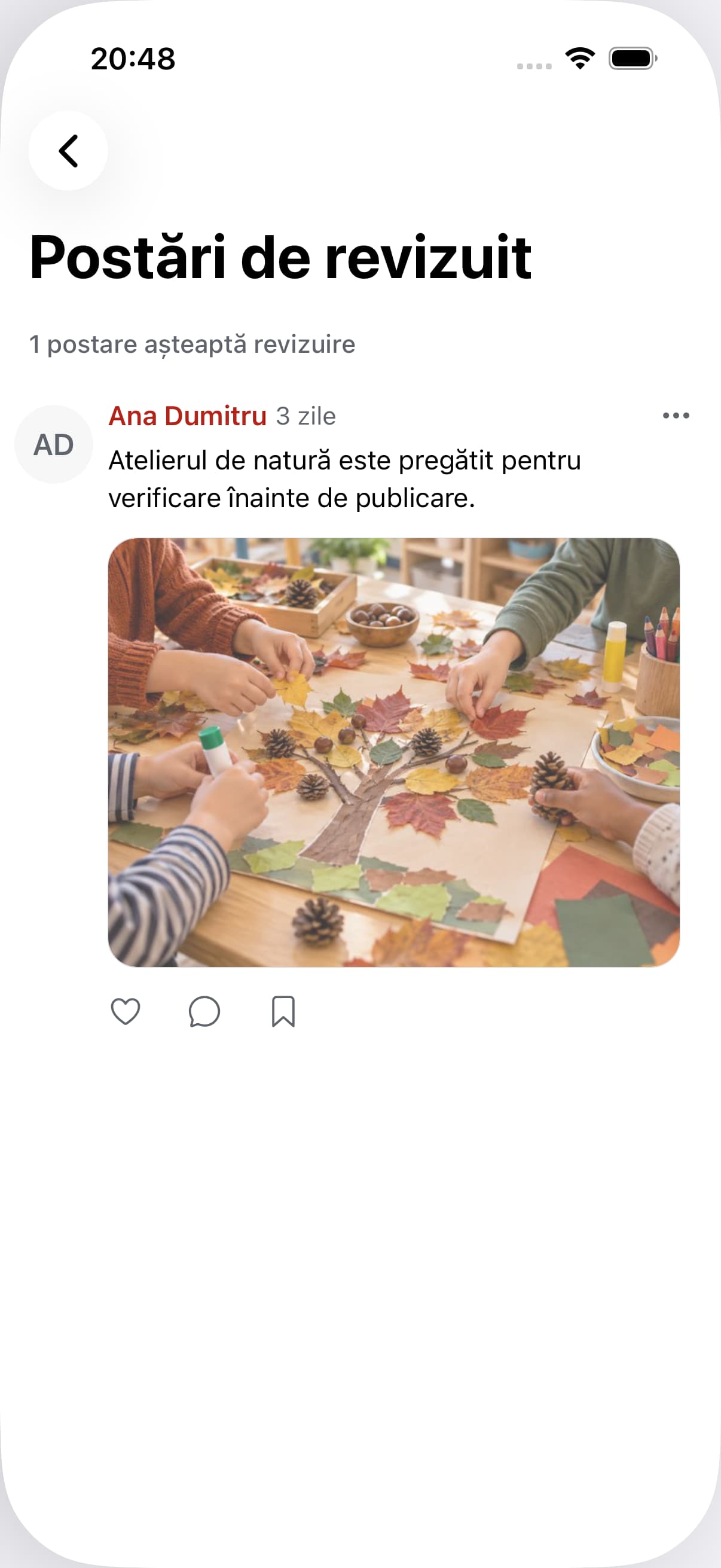
Review before publishing
Teaching staff posts reach administrators for review before appearing in the feed.
Kinderbase · Web
Staff posts ready for review before publication.Fictional example data. App shown in Romanian.02
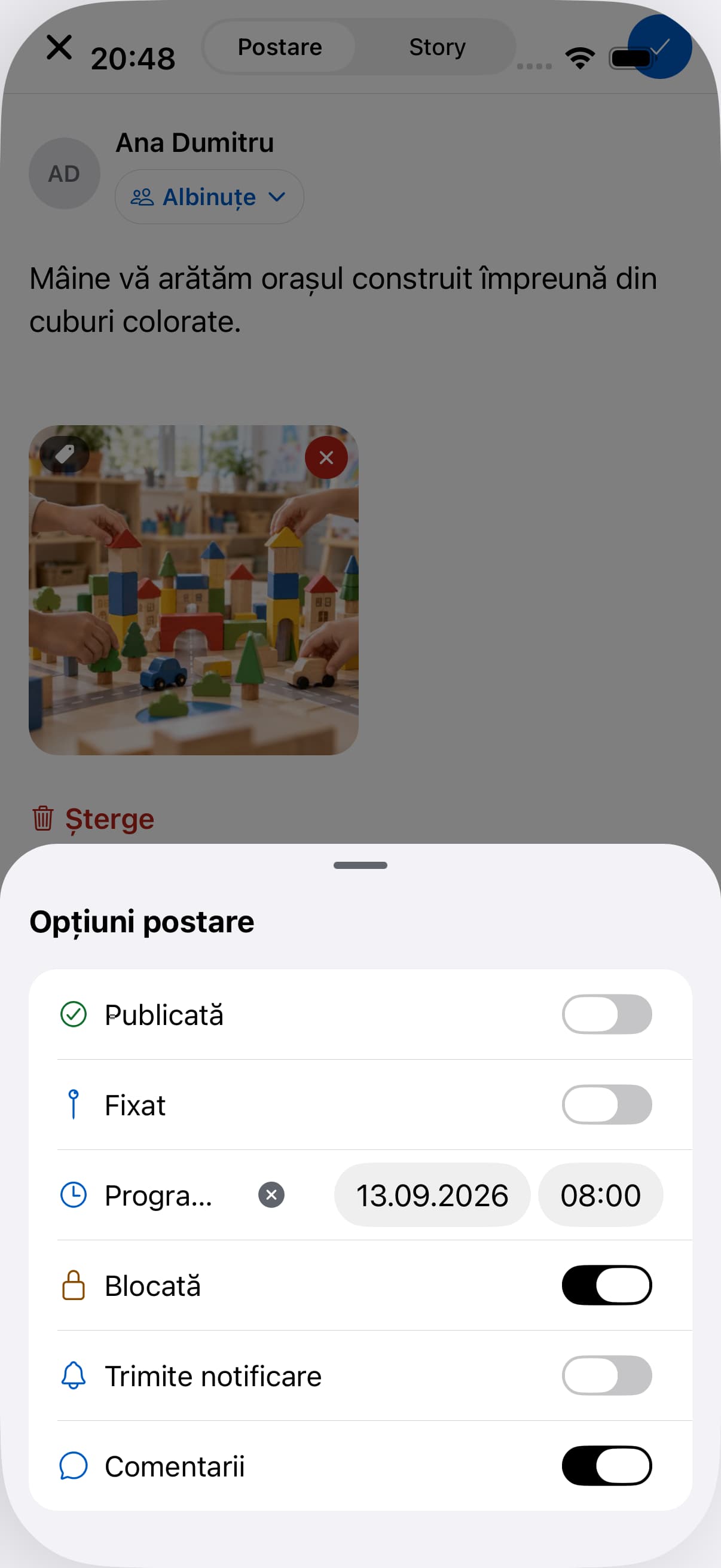
Publish now or schedule
Choose the audience, comments and when the post becomes visible.
Kinderbase · Web
Preparing a post and its publishing options.Fictional example data. App shown in Romanian.03
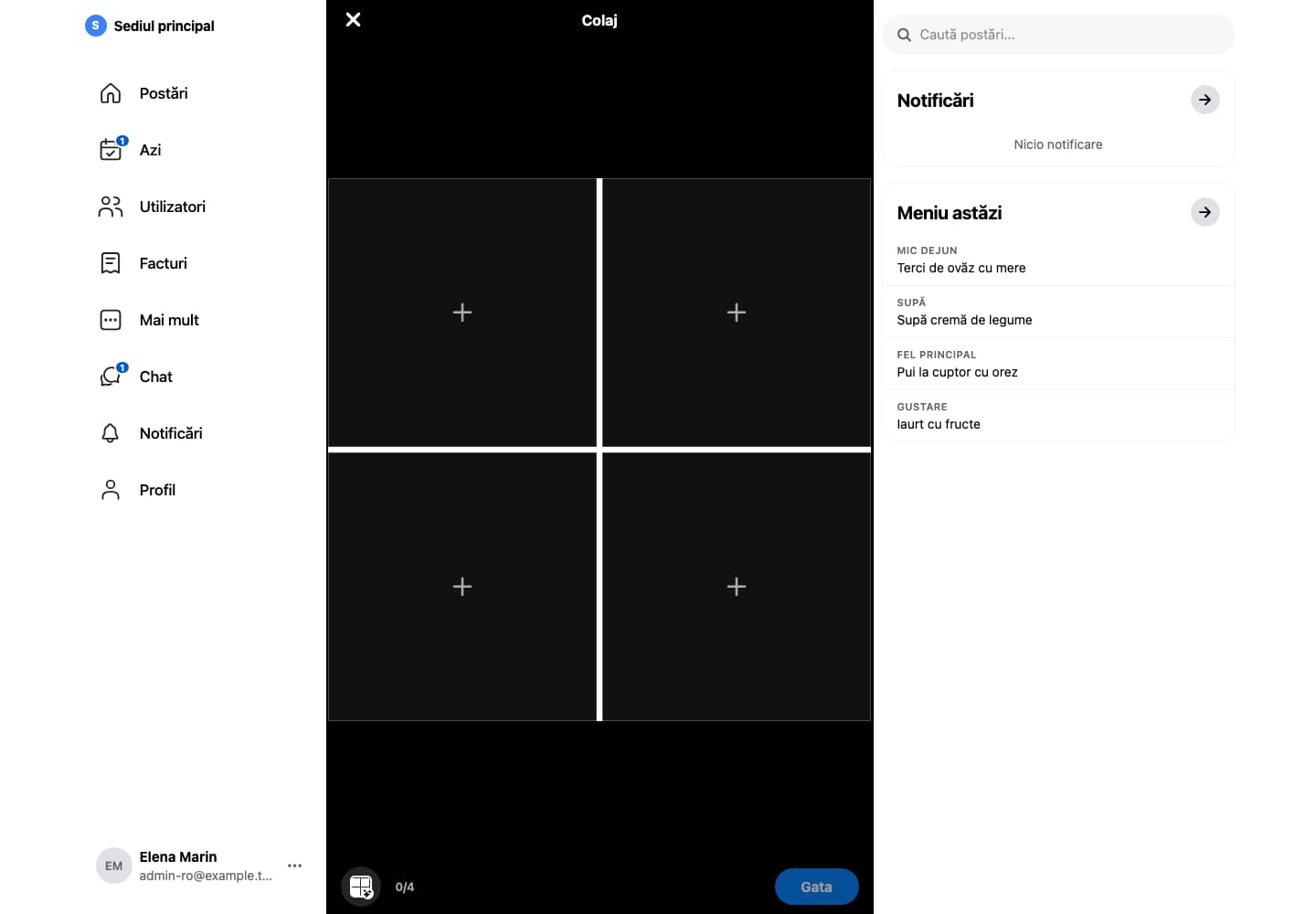
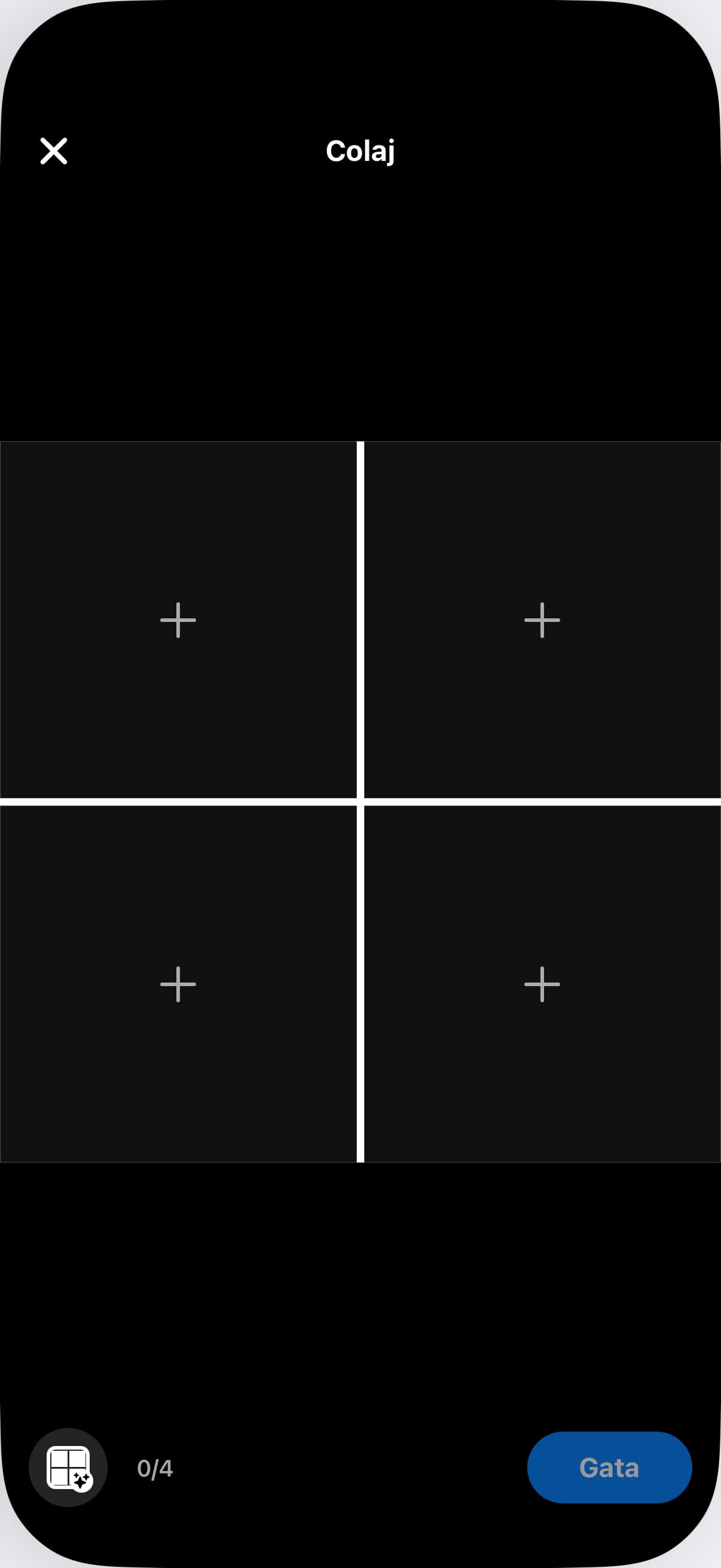
Compose your images
Arrange photographs into a collage directly in the post editor.
Kinderbase · Web
Arranging photographs in the image composer.Fictional example data. App shown in Romanian.04
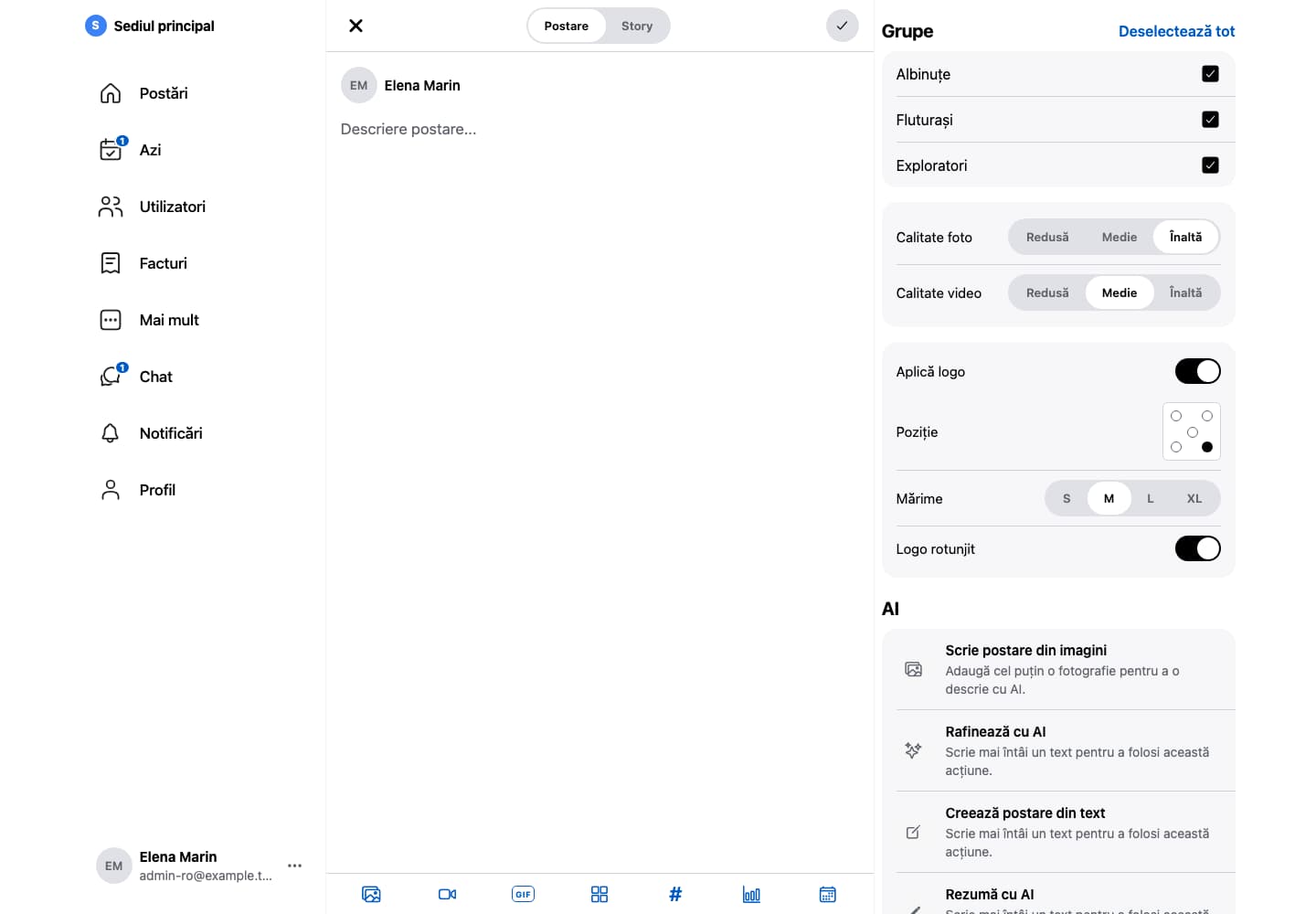
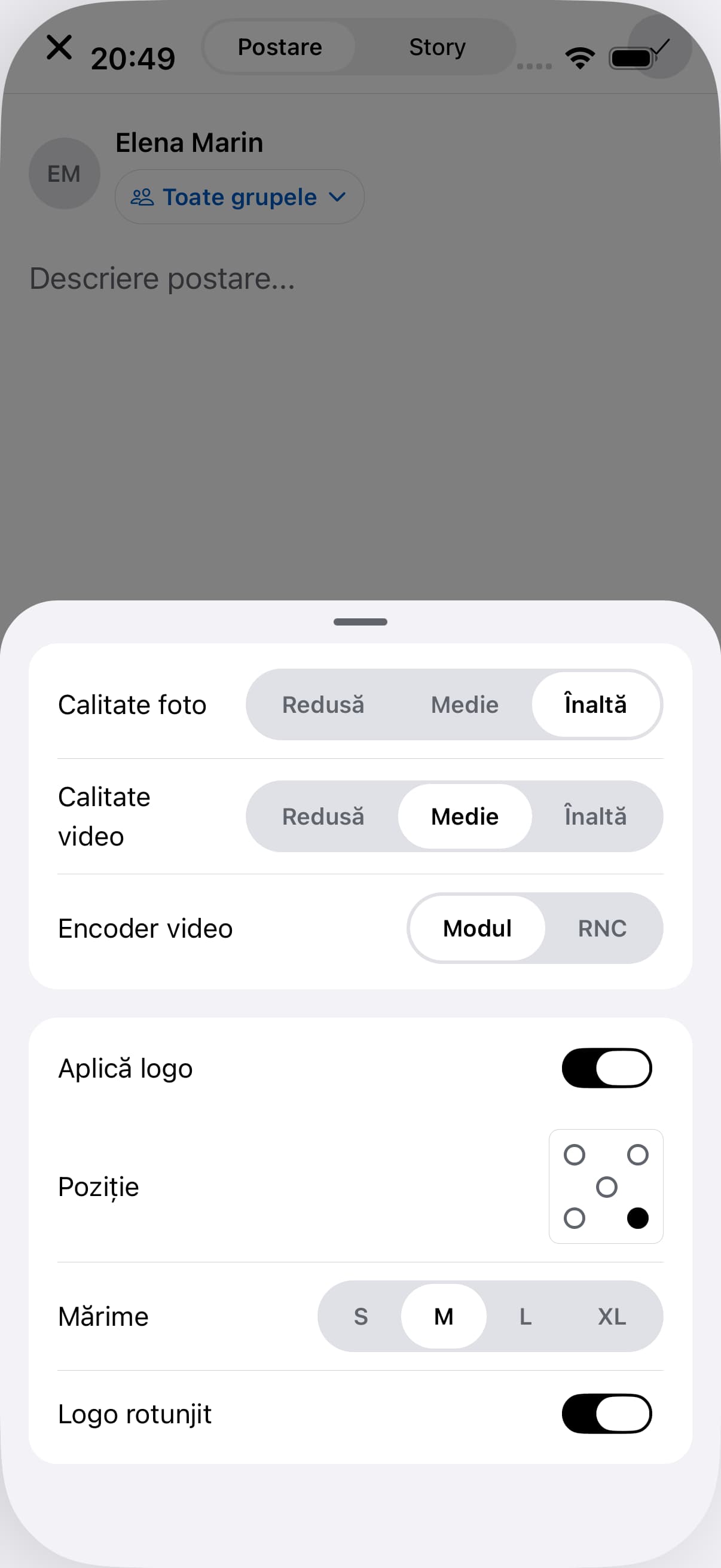
Apply your institution logo
Add your institution’s visual identity to the images you share.
Kinderbase · Web
Applying the institution logo to post images.Fictional example data. App shown in Romanian.
Questions and answersFrequently asked questions
Yes. Posts can be linked to groups, with access determined by configured roles and permissions.
No. Agree a separate emergency channel and tell families when the app is monitored.